It's Sunday night. Your VP of Standards has a Google Form open in one tab, an attendance spreadsheet in another, and a group chat full of unread messages.
Someone's asking why their points haven't updated. Another member wants to know whether her absence request was approved. And somewhere in that endless group chat is a question you've already answered twice this week.
Sound familiar?
Here's the thing: Google Forms, Google Sheets, and group chats aren't bad tools. They're free, familiar, and your chapter already knows how to use them. Honestly, they do plenty of jobs really well.
But when you're managing a chapter with 150 members, the question isn't whether your tools work.
It's whether you're spending more time keeping them organized than actually leading your chapter.
So, let's compare running a sorority chapter on spreadsheets versus chapter management software, without pretending everyone needs another app.
1. Why So Many Chapters Run on Google Forms, Sheets, and Group Chats
There's a reason these tools are practically the unofficial starter pack for sorority exec boards.
Google Forms makes collecting information easy. Google Sheets organizes lists and tracks information. Group chats let you reach your sisters without scheduling a formal meeting about something that could've been a text.
And they're already part of your routine.
For a chapter with straightforward processes and officers who communicate well, this setup might be perfectly fine.
The challenge usually isn't any individual tool. It's what happens between them.
When one officer collects a request, another approves it, someone else records the outcome, and a fourth person needs to check it, things get complicated.
That's where the real work starts hiding.
2. Follow One Request: Who Approves, Who Records, and Who Checks?
Let's walk through something your chapter probably handles every week: an absence request.
A member can't attend a required chapter meeting. Here's how that request might move through your current setup.
Step 1: The member submits her request.
She opens a Google Form, fills out her information, and submits it.
Simple enough.
Unless she doesn't remember which form to use. Now she's digging through old messages or texting an officer for the link.
Step 2: Someone reviews the request.
Your VP of Standards opens the responses, checks the chapter's policy, and decides whether the absence qualifies.
But maybe someone else needs to weigh in. Now we're forwarding information, sharing screenshots, and waiting on a response.
Step 3: The decision gets recorded.
The approval might live in the form responses, but the attendance record lives in a spreadsheet.
Someone has to make sure the decision reaches the person maintaining that record.
Step 4: The member hears back.
She may receive a message confirming the decision.
Or she doesn't hear anything, assumes her request disappeared, and follows up.
Cue another notification.
Step 5: Someone checks that everything matches.
Here's where things get especially fun.
Maybe your chapter tracks points for attendance, participation, or other requirements.
A member asks why her total looks wrong.
You check the spreadsheet, but you're not even sure whether every attendance entry, approved request, or adjustment was included in the total.
So what happens?
You start recounting.
Now you're going through individual event attendance sheets, approval decisions, and old records to figure out what should actually be reflected.
Congratulations. Your original two tabs have multiplied into twelve, and you're questioning every life decision that led you here.
Step 6: An advisor needs to understand what happened.
Your advisor asks about a decision. Can she find the policy, request, and outcome? Or does an officer need to reconstruct everything and explain it?
None of these steps is necessarily difficult on its own.
But every copy, re-type, forwarded message, or reminder is another handoff.
And every handoff is another opportunity for something to be delayed, overlooked, or misunderstood.
3. Where the Free Stack Works—and Where the Cleanup Begins
Let's give credit where it's due.
Google Forms, Sheets, and group chats are genuinely useful for:
- Quick conversations and casual updates
- One-time sign-ups or surveys
- Simple member lists
- Collecting information that doesn't require multiple approvals
- Basic records that one officer can comfortably maintain
You don't need specialized software to ask who's bringing snacks to a sisterhood event.
The strain starts when the same information needs to move through several people or locations.
An approval gets handled through text but never makes it into the records. A member can't find the current policy. Points don't match what someone remembers earning. An advisor asks for clarification, and someone spends the evening rebuilding the history.
It's not necessarily that officers aren't doing their jobs.
It's that the process depends on everyone remembering every little step.
And that's a lot to ask from college students who are also balancing classes, jobs, internships, and everything else.
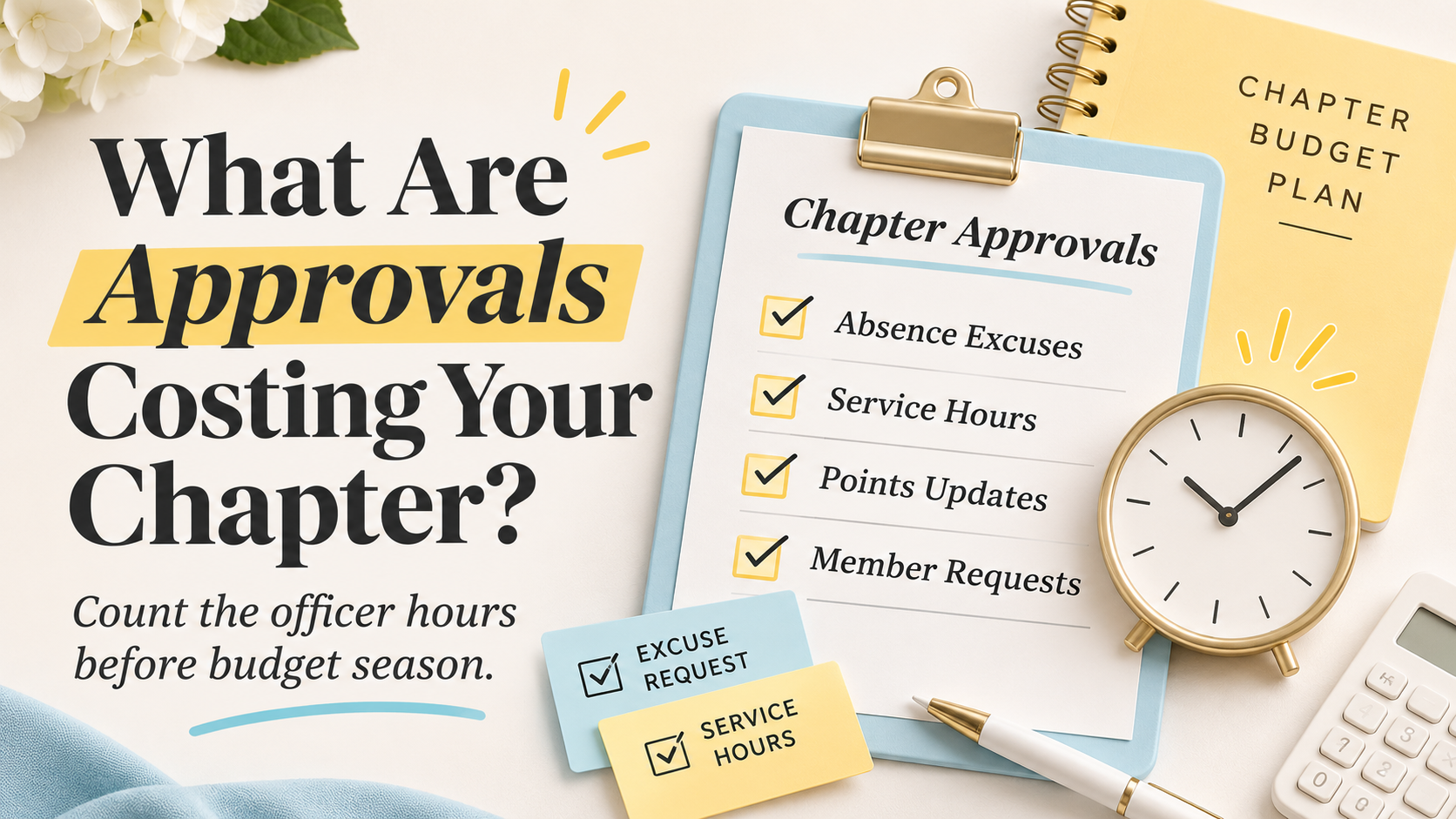
Before deciding whether new software is worth it, count the hours your approvals take. Include the time spent reviewing, copying information, answering questions, and correcting records.
You might discover your current system is working just fine. Or you might discover your chapter has an unofficial part-time administrative job nobody remembers applying for.
4. What Does Sorority Chapter Management Software Actually Add?
Chapter software can make recurring processes easier to follow by giving members a defined place to submit requests, officers a clear approval responsibility, and everyone an accessible reference for rules and decisions.
Instead of asking, "Who has that form?" you're asking, "Where is this request in our process?"
That's a meaningful difference.
But different platforms emphasize different needs, so it's worth comparing what they actually offer.
Hyve House: For Chapters Managing Recurring Approvals and Complicated Rules
Hyve House is particularly worth looking at when your exec board is tired of being the human connection between forms, policies, and members.
With Hyve, your chapter can have:
- Approvers chosen for each form type: The appropriate officer is assigned to review that kind of request, helping clarify who handles what.
- Rules every member can see: Members have somewhere to look before sending another "wait, what's needs to be filled out again?" message.
- Automatic point updates: Members can see their points live on the home screen, including any point requirements only ment for them - hint hint disciplinary points.
- Point opportunities: Upcoming events and what points they can earn for attending up front and ready so you no longer get the "How can i get enough points for crush?" texts. Plus whether they are mandatory.
Think about that absence-request example again.
Instead of your VP of Standards having to remember which form goes to whom, your chapter can define the appropriate approver for that type of request. Members can select the form type to fill out, access can be configured around the chapter's needs, and the point is automatically updated with a clear history.
The benefit isn't having something shiny and new. It's making routine responsibilities clearer for the people handling them.
A good fit for: Chapters with recurring member requests, multiple officer responsibilities, and policies members frequently ask about.
GreekTrack: For Broader Membership and Chapter Administration
GreekTrack offers tools for membership management, events, forms, chapter requirements, and tracking member progress.
It's worth exploring if your chapter wants to organize several administrative functions, particularly membership records and participation requirements.
A good fit for: Chapters looking for broader membership administration alongside event and requirement tracking.
GroupSpot: For Communication and Member Coordination
GroupSpot emphasizes chapter communication, calendars, sign-ups, forms, and event coordination. It also offers attendance and points features.
It may appeal to chapters whose biggest frustration is keeping members informed and coordinating participation.
A good fit for: Chapters prioritizing communication and organizing member activities.
How to Compare Them Fairly
Don't choose based on a long feature list.
Ask each platform to demonstrate your chapter's actual workflow:
A member submits an absence request. Who receives it? Who approves it? Where can someone see the decision? How does the member find the applicable rule? What can the advisor access? Where does time accidentally get used up?
Have them show you, step by step.
If you can't picture your officers using the process on a busy Tuesday, keep asking questions.
5. Keep Your Group Chats. Seriously.
There's a difference between conversation and administration.
Your chapter group chat is great for everyday questions, spontaneous plans, and figuring out who accidentally took someone's water bottle home.
It probably shouldn't be the permanent record of an important approval.
That doesn't mean you have to abandon the way your chapter communicates.
Keep group chats for conversations.
Use a defined system for formal requests, approval decisions, and the rules members need to look up.
That way, your officers aren't searching through hundreds of messages to find something that actually matters.
And your sisters can continue sending their memes in peace.
6. A Five-Question Self-Check for Your Exec Board
Before your chapter changes anything, get your president, secretary, treasurer, and relevant VPs together and answer these questions.
1. Can every member easily find the correct form and the rules that apply?
If members regularly need to ask officers for links or clarification, there's room to simplify.
2. Does every request have a clearly assigned approver?
Nobody should have to guess whose responsibility a decision is.
3. Can you trace a request from submission to final decision without digging through several apps?
Try it with a real, recent example.
4. Are your chapter's records accurate and easy to check?
If someone questions their points or a past approval, can you explain the record without rebuilding it from scratch?
5. Could the next exec board take over your processes without needing the previous officers on speed dial?
Your chapter's systems should survive graduation.
Discuss your answers honestly.
If your answers are mostly "we're fine," keep what you have.
But if every question turns into a story about missing information, repeated follow-ups, and spreadsheets nobody wants to touch, it might be worth looking at a different approach.
Your officers signed up to lead a chapter, not become professional spreadsheet detectives.
If you want to see how this works in Hyve, you can book a demo.
Frequently Asked Questions
Is Google Sheets enough to run a sorority chapter?
It can be! Google Sheets is useful for member lists, basic tracking, and straightforward records. The question is whether your officers can keep information accurate without constantly copying, checking, or updating it across different tools. If your current process is manageable, there's no need to change it just for the sake of changing it.
Do we need chapter management software?
Maybe not. If your current setup makes responsibilities clear, members know where to find information, and records stay organized, it may be enough. Chapter management software becomes worth considering when recurring requests, multiple approvers, and manual record keeping create unnecessary work.
What should our exec board compare before changing tools?
Start with your chapter's actual processes, not a feature checklist. Compare how each option handles request submissions, approval responsibilities, decision records, member-visible rules, advisor access, and officer transitions. Ask for a demonstration using a workflow your chapter already follows.
Do we have to give up our group chats if we use chapter software?
Absolutely not. Group chats are great for conversations, quick updates, and everyday chapter life. The goal is to keep important requests, decisions, and policies from getting buried in those conversations. Your chapter can use different tools for different purposes.
How do we know whether our current setup is working?
Ask whether members know where to submit requests, officers know what they're responsible for, and records can be checked without significant cleanup. If your board can answer questions and hand over responsibilities easily, your setup is doing its job. If confusion is a recurring issue, identify where information gets stuck.
Why are officer hours spent worth paying to reduce?
Because officer time has value, even when nobody is receiving a paycheck. Every evening spent reconciling records or chasing approvals is time an officer can't spend studying, leading, or supporting her sisters. Paying for software makes sense when the practical benefits justify the expense. The goal isn't simply to spend less time in spreadsheets; it's to give officers more room to do the work they were elected to do.